How do I send funds from my Nash IBAN?

Important Notice
We currently support SEPA and instant-SEPA transfers only.
⚠️ SWIFT transactions are not supported. Any attempt to send funds via SWIFT will result in the transfer bouncing back to the sender’s bank.
- Tap on the Cash option
- Tap on Send
- > Enter the amount you want to transfer
> Tap on Choose destination account
In the next step you have to choose the destination. You can send to your own verified accounts, or to someone else.
To myself
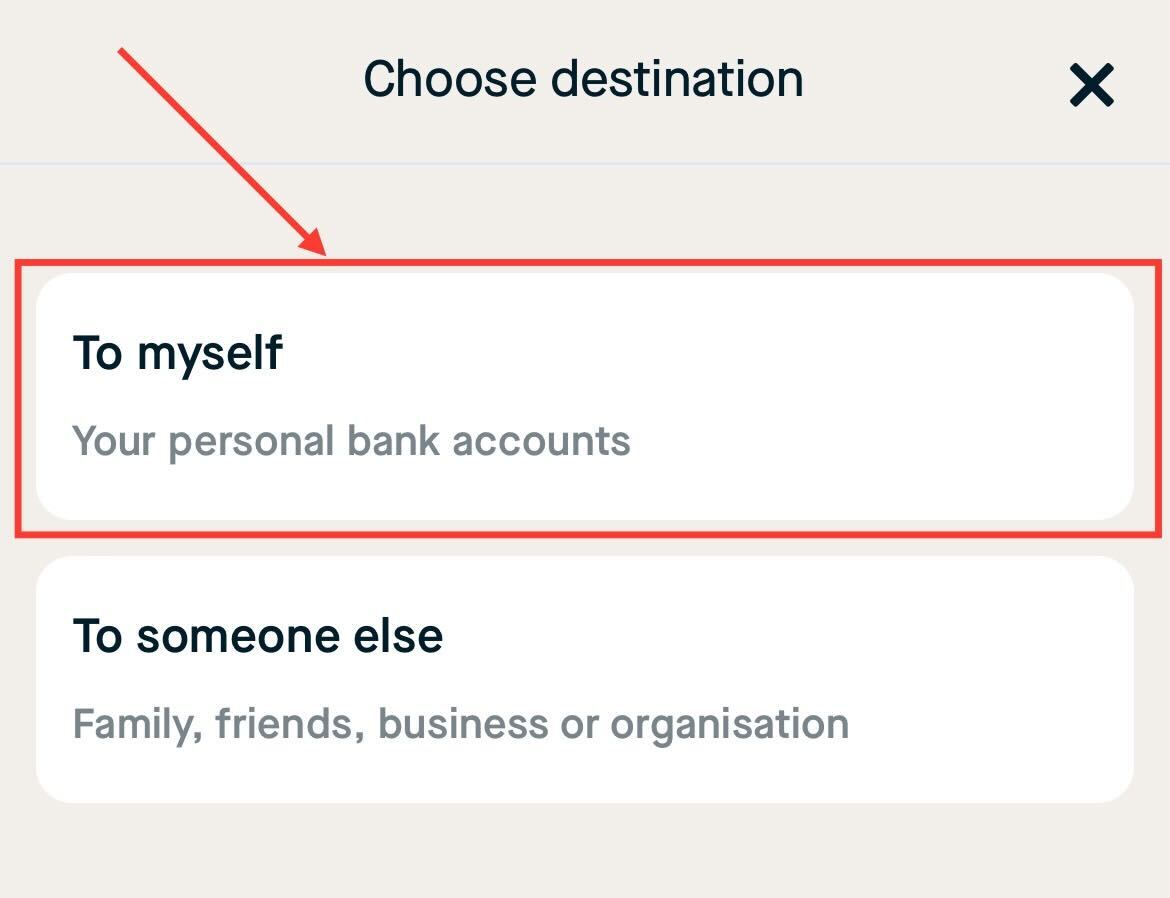
- > Tap on your linked bank account or use a different account
> Follow this guide from step 4 to add another account - Enter an optional reference and tap on Continue
- Review your transaction details and tap Confirm to confirm this transaction
- Tap on Finish
To someone else
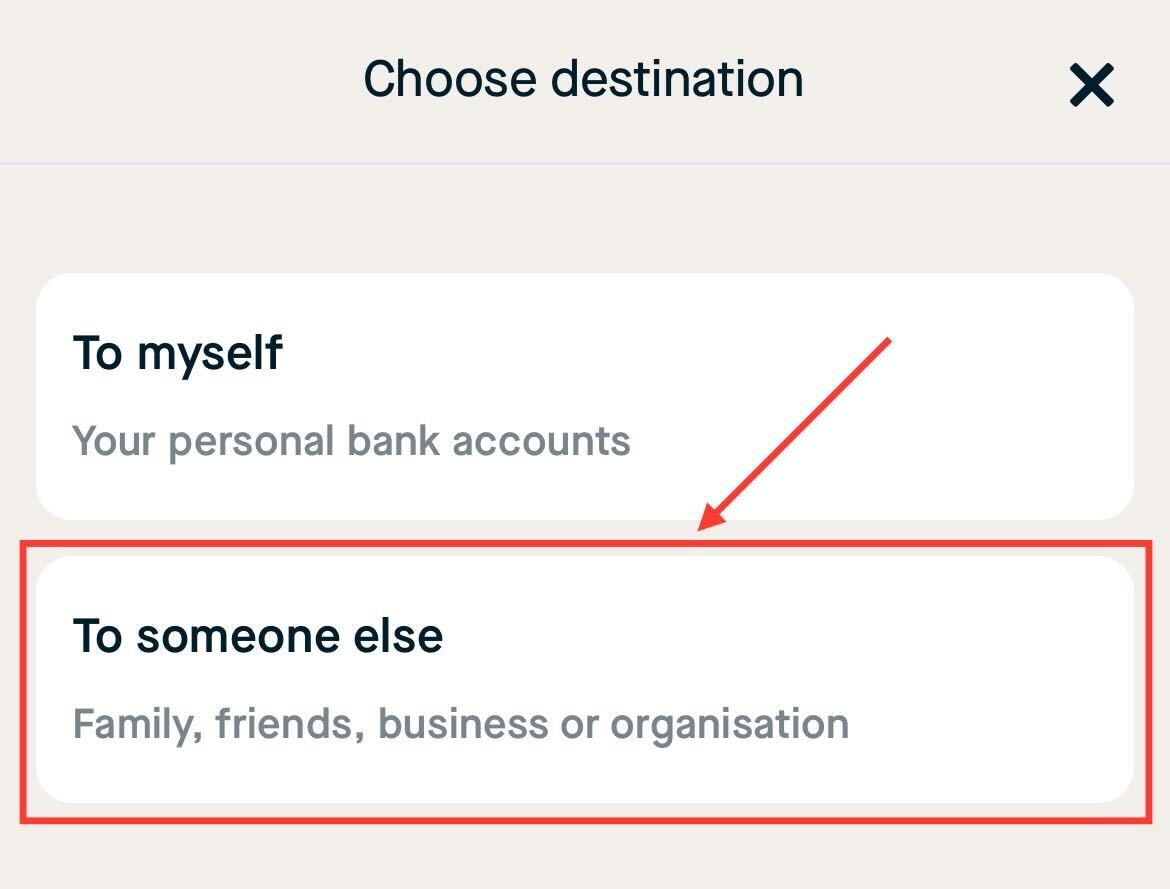
- > Enter the recipient's name and IBAN account
> Tap on Continue
- Enter an optional reference and tap on Continue
- Review your transaction details and tap Confirm to confirm this transaction
- Tap on Finish